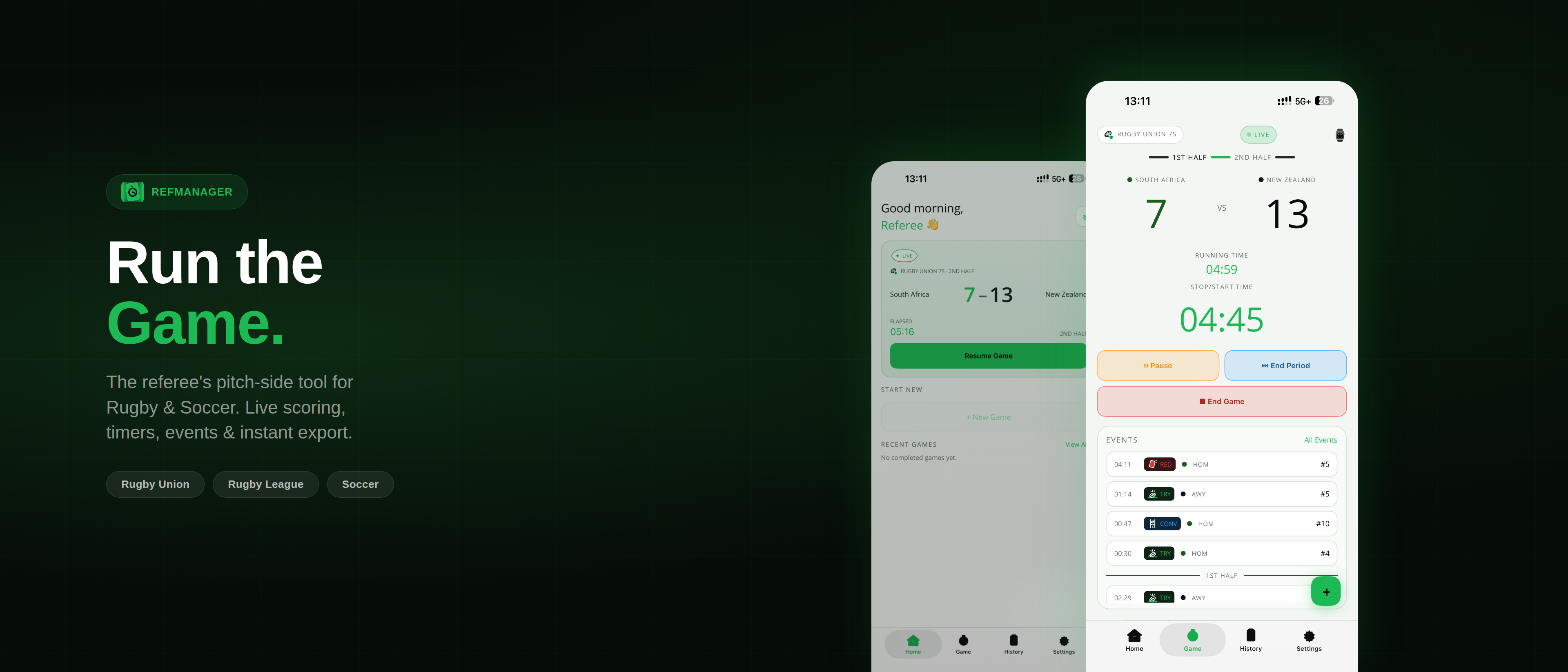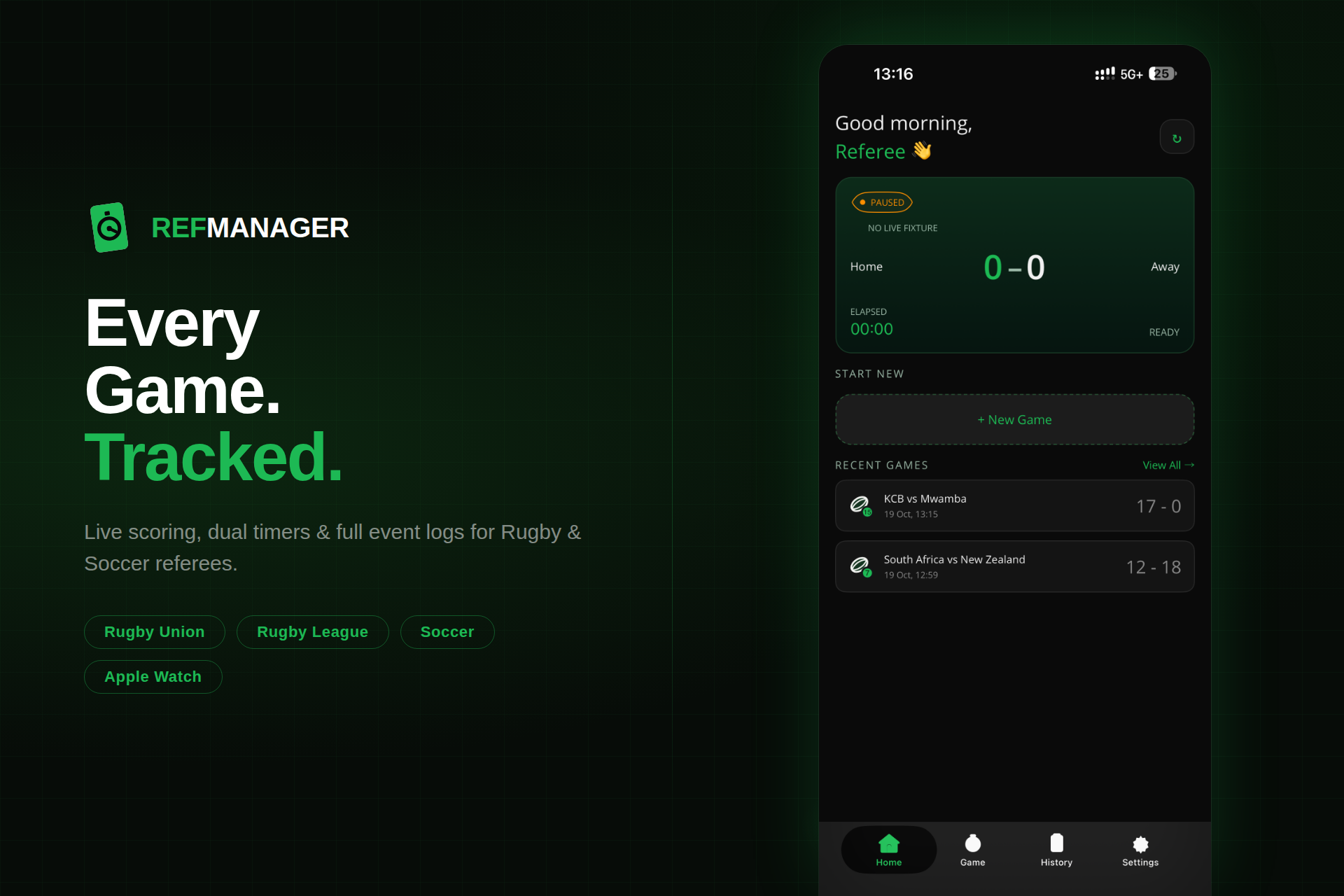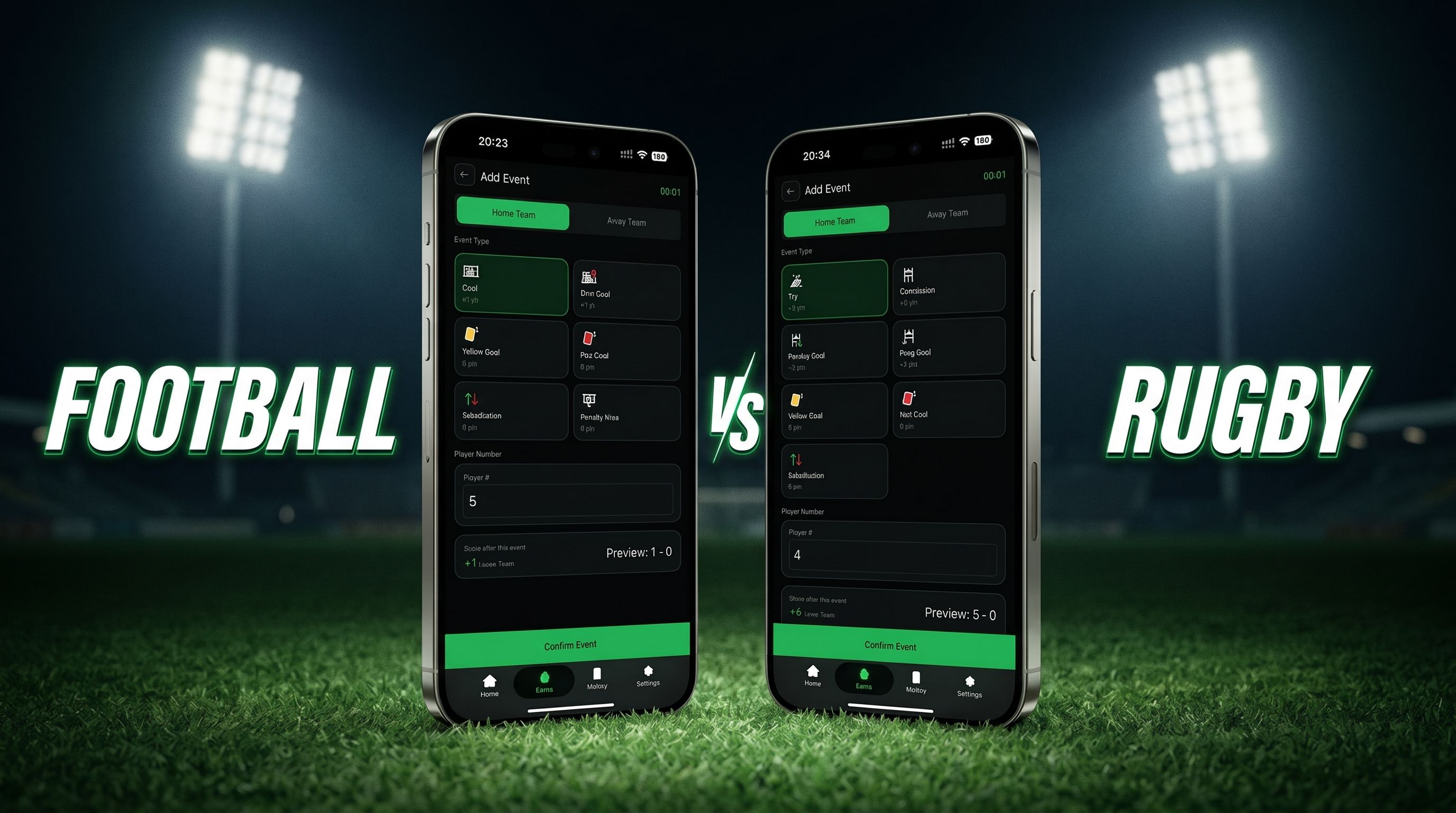
See how RefManager dynamically switches scoring logic, sin bin workflows, own goals, and penalty misses between Rugby and Football.
Officiating across multiple sports requires switching mental gears completely. A Rugby Union referee manages multi-tiered point values and 10-minute sin bins, while a Football (Soccer) official tracks single-goal increments, own goals, and penalty misses—all while keeping a sharp eye on the match clock.
Generic stopwatch apps force officials to treat every game the same. RefManager takes the opposite approach: the moment you select your sport during fixture setup, the app dynamically reconfigures its event menus, scoring math, and disciplinary workflows to fit that exact code.
Rugby Union: Multi-Tier Scoring and Sin Bin Precision
In rugby, scoreboards move in increments of 2, 3, and 5—and keeping track of who scored versus who converted matters just as much as the final total.
- Zero Mental Arithmetic: Tapping Try (+5 pts), Conversion (+2 pts), Penalty Goal (+3 pts), or Drop Goal (+3 pts) automatically calculates the new scoreline and displays a live preview before you confirm.
- Sin Bin Management: Selecting a Yellow Card highlights the tile in caution amber and logs the offending player's jersey number for 10-minute sin bin tracking.
- Send-Offs and Substitutions: Log Red Cards with player numbers, or switch to dual Player In / Player Out inputs when logging tactical or blood substitutions.
Football (Soccer): Nuanced Match Events Built In
When Soccer / Football is selected at setup, RefManager replaces the rugby scoring palette with an event menu tailored directly to association football laws:
- Goal (+1 pt): Registers a regular goal for the attacking side and updates the live score preview by 1.
- Own Goal (+1 pt): Marked by a dedicated flaming ball icon, selecting Own Goal automatically credits
+1 ptto the opposing team's score while associating the player number with the offending side—eliminating accidental score reversals. - Penalty Miss (0 pts): Because a missed or saved penalty kick is a pivotal match moment that does not alter the scoreline, RefManager includes a dedicated Penalty Miss tile so your timeline tells the complete story of the match.
- Cards and Substitutions: Log Yellow Cards, Red Cards, and Player In / Player Out substitutions cleanly against player jersey numbers.
Shared Core: The Static Timestamp Advantage
Regardless of which sport you select at setup, RefManager protects your timekeeping with the same core engine:
- Instant Freeze on Tap: Pressing the floating + button immediately snapshots the match second in the top-right corner.
- Uninterrupted Background Clock: While you select the event type, verify the score preview, or enter player numbers, the primary match clock keeps running uninterrupted in the background.
- One-Tap Commit: Pressing Confirm Event saves the incident under the exact frozen second with zero timeline drift.