How-To & Tutorials / Match Day Craft
When managing high-intensity fixtures, referee attention belongs on the players—not on doing arithmetic or wrestling with a ticking match clock.
The RefManager event logging engine removes the stress of live scorekeeping by combining sport-specific event catalogs, automatic score calculation, and static timestamping.
1. Static Timestamp Capture: Never Chase the Clock
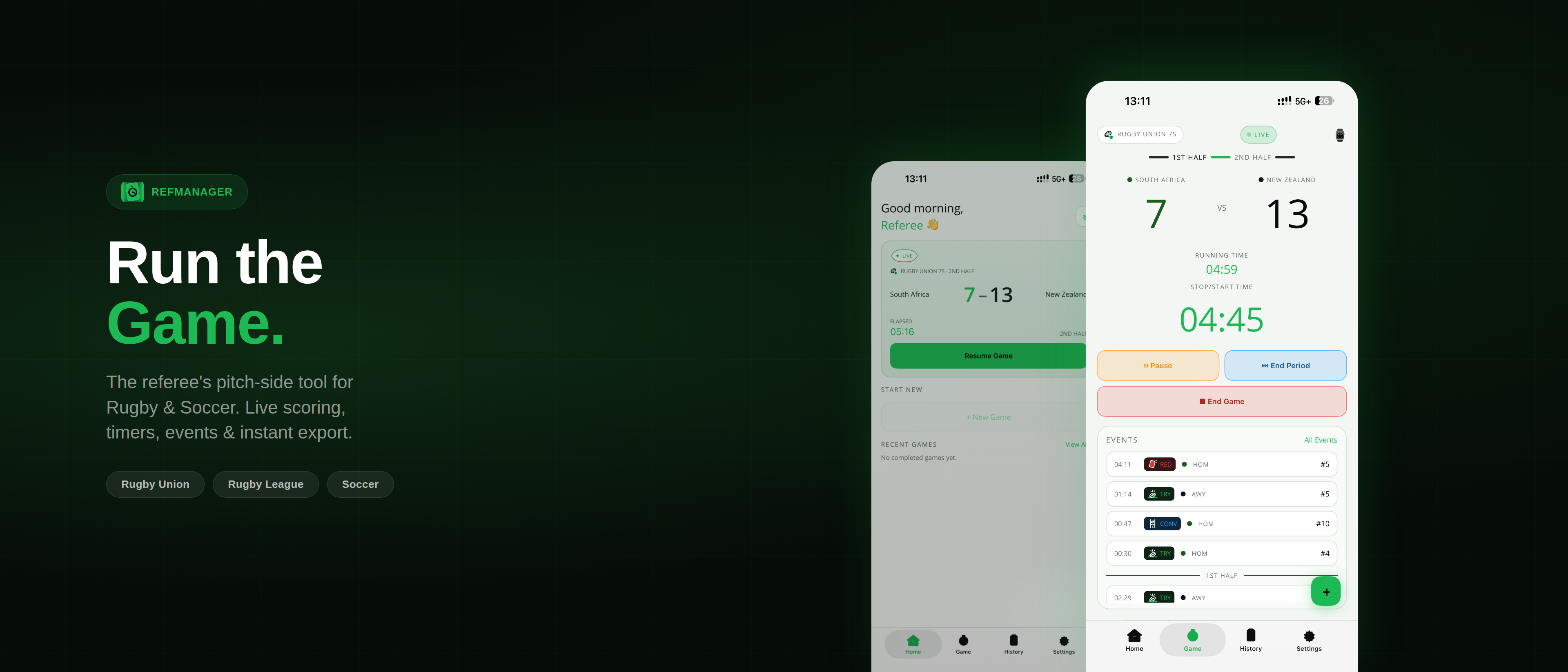
A major headache with manual timekeeping is when entering event details causes match timing to drift. RefManager solves this with background clock continuity:
- Instant Snapshot: Tapping the floating
+button freezes the exact match second of the incident (displayed in green at the top right, e.g.,00:06). - Continuous Background Clock: While your entry screen stays locked to that exact second—giving you calm, unhurried time to select the try scorer, card recipient, or substitution—the primary match clock continues running uninterrupted in the background.
- Zero Timeline Drift: You never have to manually pause or recalculate lost seconds. Once you tap
Confirm Event, the play is permanently recorded at the captured instant, while the live match clock remains completely accurate.
2. Tailored Sport-Specific Event Menus
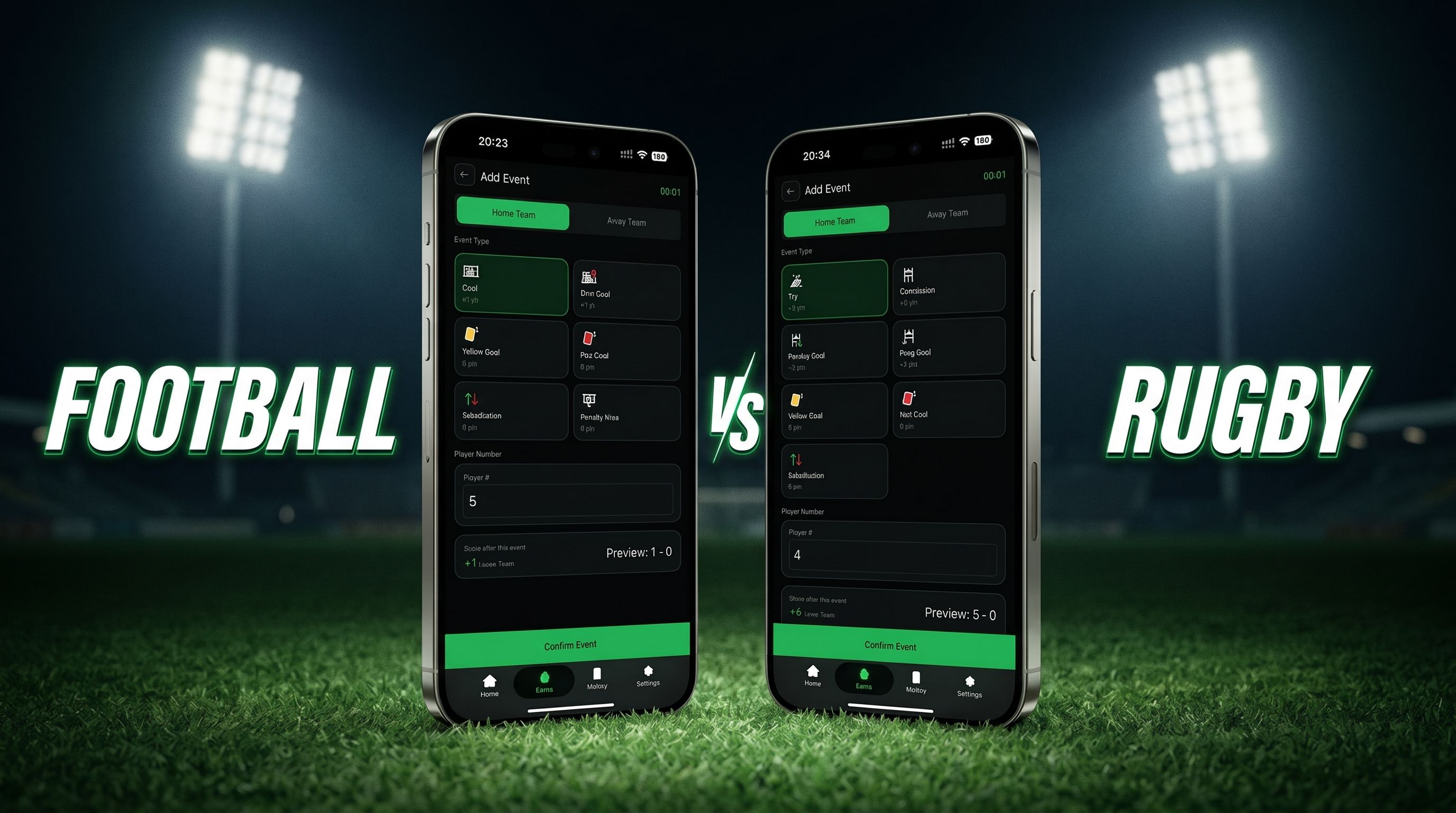
The event catalog dynamically adapts to the sport chosen during fixture setup. When officiating Rugby Union, RefManager provides native scoring increments and disciplinary tiles:
- Try (+5 pts): Highlights green and automatically factors 5 points toward the selected team.
- Conversion (+2 pts): Calculates 2 points toward the team total.
- Penalty Goal (+3 pts) & Drop Goal (+3 pts): Pre-calibrated rugby increments.
- Disciplinary Cards (0 pts): Distinct amber-outlined Yellow Card (for sin bin management) and red-outlined Red Card (for send-offs).
- Substitution (0 pts): Adaptive input switching.
3. Automated Score Previews & Adaptive Fields
Refereeing late in a match brings cognitive fatigue. RefManager eliminates mental math errors before an event is saved:
- Team Selection: Toggle between team badges at the top with a single tap (e.g., KCB vs. Mwamba).
- Live Score Previews: Selecting an event instantly updates the Score after this event breakdown (e.g.,
+5 KCB) and displays an updated preview of the overall scoreline (e.g.,Preview: 5 - 0orPreview: 2 - 0). - Smart Substitution Fields: Selecting a card or scoring play prompts for a single
Player #. Selecting Substitution automatically morphs the screen into dual fields: Player In and Player Out.
4. Fast Confirmation to Timeline
Once the event details are verified against the score preview, tapping the full-width green Confirm Event button instantly commits the play to your active match feed, preserves the static match second, and returns you to the live dashboard.